Instant Procreate Color Palettes: Elevate Your Digital Art
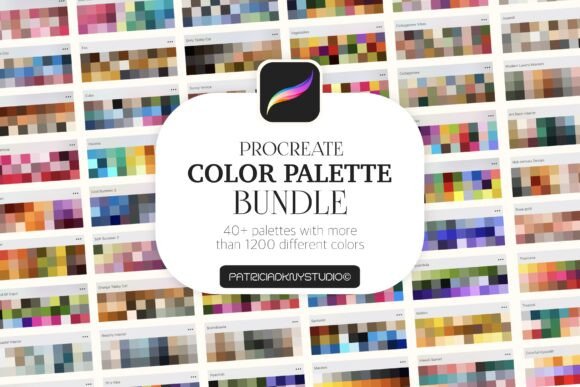
Every digital artist hits a wall eventually. You have the composition sketched out, the line work is crisp, and the lighting concept is solid, but when you pick up the Apple Pencil to fill in the hue, you hesitate. Mixing colors from scratch is time-consuming, and picking random values often leads to muddy, disjointed results. This is where a curated library of assets becomes essential to a professional workflow. Instead of fumbling with sliders, imagine having a library of 1200 perfectly balanced colors ready to drop into your canvas. The Procreate Color Palette Bundle offers exactly that—a massive collection of 40 distinct palettes designed to solve the "blank canvas" syndrome for iPad artists and designers.
The Anatomy of a Professional Color Library
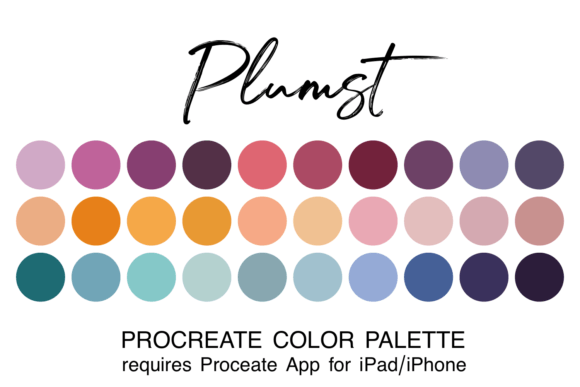
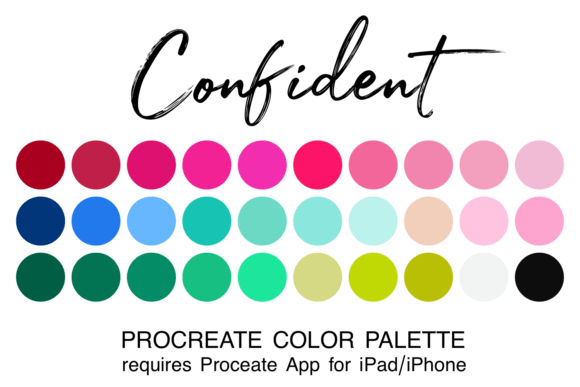
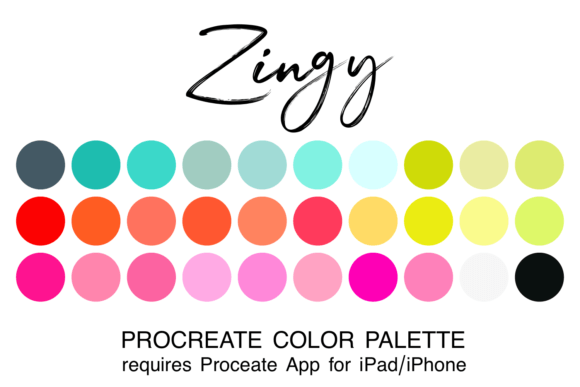
This bundle is not just a random assortment of hex codes; it is a carefully structured system of 1200 different colors organized into 40 unique themes. The collection covers a broad emotional spectrum, moving from the soft, dusty tones of Pastel palettes to the vibrant, high-energy punch of Neon and Rainbow collections. You will find specific sets dedicated to nature, such as Succulent and Flower, which provide the complex, organic greens and pinks found in botanicals. For those working on moodier pieces, the Lavender and Sunset palettes offer deep purples and fiery oranges that evoke specific times of day.
What makes this library particularly useful is the inclusion of trend-forward aesthetics like Holo (holographic) and Retro. The Holo palette captures those iridescent, shifting metallics that are currently dominating social media aesthetics, while the Retro set provides the earthy mustard, olive, and burnt orange tones reminiscent of 1970s graphic design. By utilizing the .swatches format, these are true design assets. They integrate directly into the Procreate app sidebar, meaning you can switch between a "Flower" aesthetic and a "Neon" cyberpunk look in a single tap without interrupting your creative flow.
Practical Applications for Modern Creators
The versatility of the Procreate Color Palette Bundle extends far beyond simple illustration. For brand identity designers, this collection is a goldmine for rapid prototyping. If you are pitching a new look to a client, you can quickly apply the Retro palette to a mockup to see if the vintage vibe fits their brand personality. Alternatively, a skincare startup might find their perfect visual language within the Succulent or Pastel swatches, establishing a soft, approachable tone for their packaging design.
Content creators and marketers will find these palettes indispensable for maintaining visual consistency across digital platforms. Social media graphics require a constant stream of fresh content, but the visual branding must remain recognizable. By locking in a specific palette from this bundle—perhaps the Sunset gradients for a travel blog or the Lavender tones for a wellness podcast—you ensure that every post feels cohesive. This consistency builds brand recognition and signals professionalism to your audience.
Furthermore, these swatches are essential for anyone involved in editorial design or digital publishing. When designing a magazine cover or a lead magnet PDF on the iPad, color hierarchy guides the reader's eye. Using the Rainbow palette allows you to create distinct sections or chapters with their own color coding, improving readability and navigation. Even for hobbyists and crafters, the ability to instantly access harmonious colors removes the technical barrier, allowing you to focus entirely on the joy of creation.
Optimizing Your Workflow with Curated Swatches
To get the most out of this collection, you need to treat these palettes as a starting point, not a rigid rulebook. A common mistake is using every color in a single composition. Instead, use the palettes to establish your primary and secondary colors, then use Procreate’s color mixing tools to create the bridging tones. For example, if you are using the Neon palette for a cyberpunk illustration, pick your two dominant neons and then mix them manually to create the mid-tones for shadows. This ensures the artwork looks custom-made rather than "plug-and-play."
It is also worth experimenting with layer blending modes when using these specific swatches. The Holo and Neon palettes, for instance, react beautifully to the "Add" or "Glow" blending modes in Procreate, creating realistic light effects that standard painting cannot achieve. Similarly, the Pastel colors work wonderfully with the "Multiply" mode to create soft, natural shadows that don't muddy the canvas.
Finally, remember that while these are digital design assets, they serve the same function as a premium font in a designer's toolkit. Just as a sans serif font provides clarity and a script font adds elegance, the right color palette sets the emotional temperature of your project. By having 1200 colors at your disposal, you are equipped to handle any mood, season, or trend. Whether you are a professional illustrator, a small business owner designing your own flyers, or a hobbyist exploring modern typography and digital painting, this bundle provides the chromatic foundation you need to work faster and smarter.
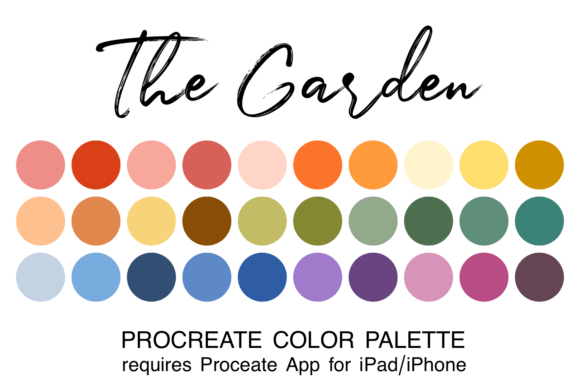
Note: These files are provided in .swatches format specifically for the Procreate ecosystem. You will need an iPad and the Procreate app to utilize these assets; they are not compatible with Photoshop or other desktop software.