Transform Photos into Watercolour Art with Procreate Brushes
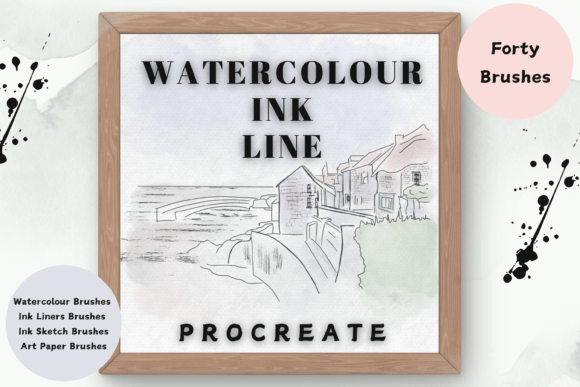
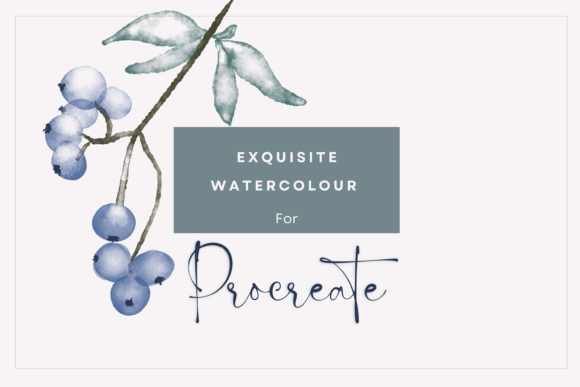
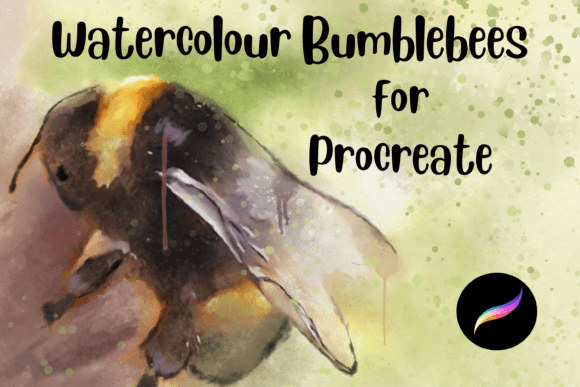
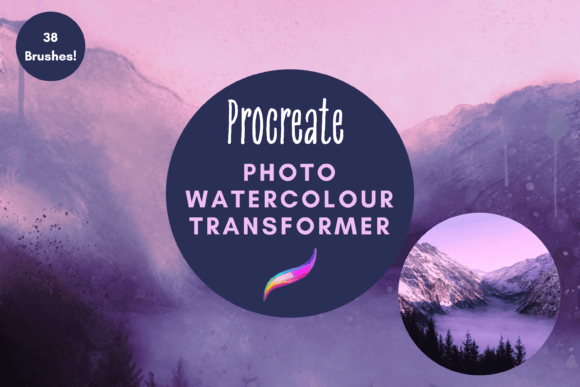
There’s a distinct charm to watercolour art—the soft bleeds, the organic textures, the way light seems to dance through translucent layers. For digital creators, replicating this look has often been a challenge, requiring complex software or pre-made filters that lack authenticity. Enter the Photo Watercolour Transformer for Procreate, a set of 38 hand-crafted digital brushes designed to bridge the gap between photography and traditional painting. This isn’t just another filter; it’s a toolkit for artists, designers, and crafters who want to add a genuine, hand-painted feel to their work directly on their iPad.
A Toolkit Built for Authentic Creation
At its core, the Photo Watercolour Transformer is a collection of dynamic brushes that go far beyond simple stamp textures. The pack includes specialised tools for painting, blending, creating drips, adding spatters, and defining edges. Each brush is designed to interact with your photograph, allowing you to manipulate the image into a watercolour painting with surprising control. You can resize any brush to suit your canvas, and the paint brushes themselves can be recoloured, giving you complete creative freedom over your palette.
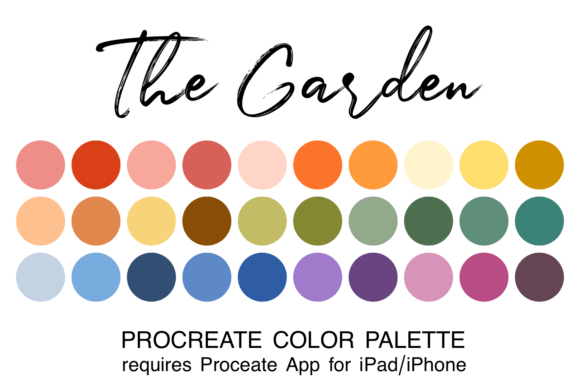
The real magic happens when you start layering. Using the brushes directly on a photograph, you can selectively build up watercolour effects, letting certain details remain sharp while others dissolve into beautiful washes. Experimenting with Procreate’s blend modes and gradient maps can further transform the image, creating cohesive colour harmonies or dramatic contrasts that feel intentional and artistic. The result is a piece that carries the warmth and imperfection of handmade art, perfect for projects where a generic digital filter just won’t do.
Practical Applications for Designers and Makers
This brush set is a versatile design asset with applications that span personal and commercial projects. For graphic designers and brand strategists, it offers a way to create unique brand identity elements that stand out. Imagine a logo design where the icon is a watercolour rendering of a product, or social media graphics that feel personal and crafted rather than algorithmically generated. The hand-drawn quality can soften a brand’s visual language, making it more approachable and memorable.
For entrepreneurs, bloggers, and content creators, the ability to turn standard product photos or landscapes into watercolour illustrations is invaluable. It’s perfect for creating distinctive wall art for an online shop, designing bespoke greetings cards and invitations, or adding artistic flair to scrapbooking layouts. The brushes are also a game-changer for editorial design and publishing. A blogger could use them to create a series of watercolour header images, ensuring visual consistency across posts while injecting a signature artistic style that enhances reader engagement and brand recognition.
Guidance for Effective Use and Integration
Integrating the Photo Watercolour Transformer into your workflow is straightforward, but a few practical tips can elevate your results. Start by selecting a photograph with strong composition and clear focal points; this gives the brushes more interesting textures and shapes to work with. Don’t feel compelled to transform the entire image. Often, applying the watercolour effect to the background while leaving the main subject more defined creates a powerful visual hierarchy and a professional finish.
When it comes to font pairing for projects that incorporate your watercolour artwork, think about contrast and complement. A flowing script font or a elegant handwritten font can echo the organic, personal feel of the watercolour. Alternatively, pairing it with a clean, modern sans serif font creates a striking balance, allowing the artistic element to shine while ensuring text remains highly readable. Always test your combinations at the size they’ll be viewed, whether on a screen or in print.
Remember, these are digital brushes exclusive to the Procreate App on an iPad Pro with an Apple Pencil. The installation process requires downloading the files to a platform like iCloud and using a program such as iZip to unpack them before importing into Procreate. Once set up, they become a permanent part of your creative toolkit, ready to be used repeatedly. For those working in commercial contexts, it’s wise to review the licensing terms for the brush pack to ensure it covers your intended use, whether for client work, printed goods, or digital products.
Ultimately, the Photo Watercolour Transformer Procreate pack is more than a set of tools—it’s a gateway to developing a distinctive visual style. It empowers you to move beyond stock imagery and standard digital effects, offering a path to create work that feels genuinely crafted, personal, and full of life. Whether you’re designing a brand’s visual identity, crafting a series of art prints, or simply exploring a new creative hobby, these brushes provide the means to add a layer of authentic artistry that resonates deeply with an audience.