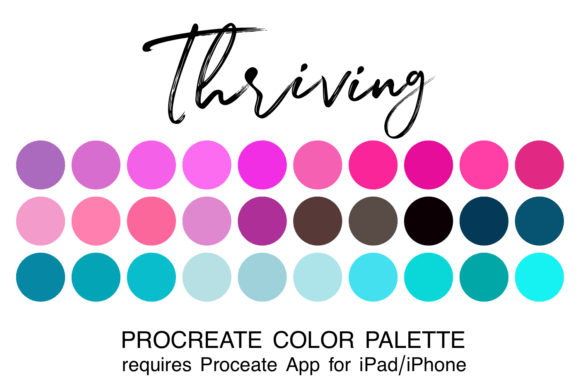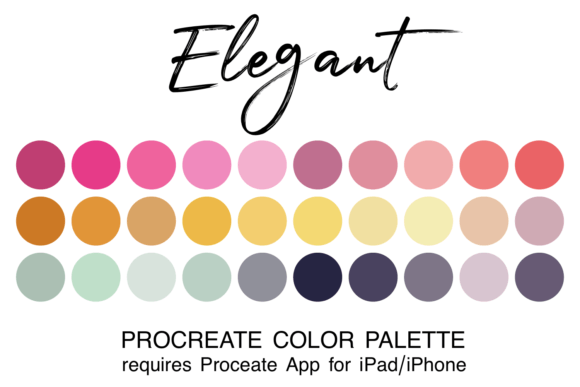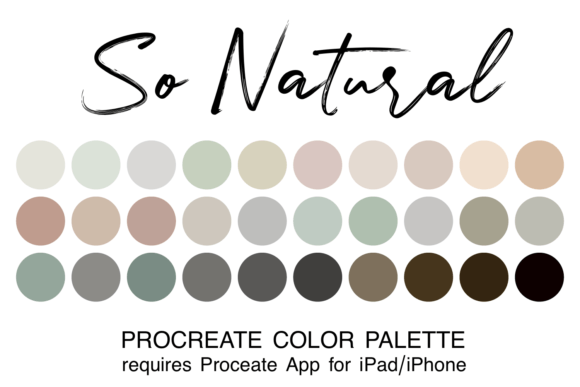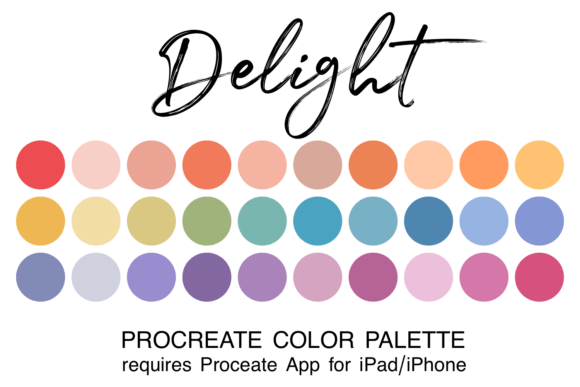
Unlock Realistic Portraits with the Skin Tones Procreate Color Palette
Every digital artist who has attempted a portrait on their iPad knows the frustration. You have the perfect sketch, the composition is solid, but when it comes to coloring, you find yourself stuck in a loop of mixing colors, trying to find the perfect shade for skin. It’s a process that can disrupt your creative flow and lead to muddy, unnatural-looking results. This is where a dedicated Skin Tones Procreate Color Palette changes the entire game. It’s not just a random collection of colors; it’s a curated set of design assets built for one specific, crucial purpose: bringing human figures to life with authenticity and ease.
More Than Just Colors: The Anatomy of a Professional Palette
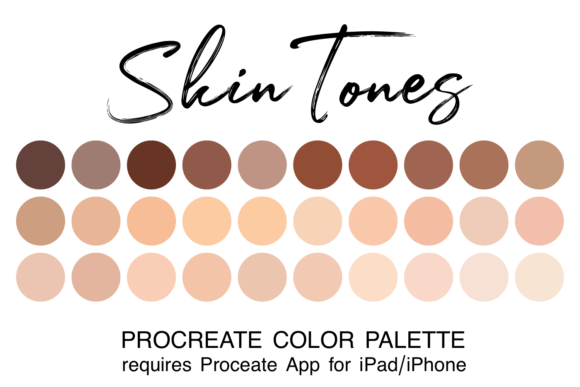
At first glance, a skin tone palette might seem simple. But the true value of a premium resource like the Skin Tones Procreate Color Palette lies in its thoughtful construction. This isn't a list of generic beiges and browns. The 30 colors included are carefully selected to represent the vast, beautiful spectrum of human skin. You’ll find a logical progression from the palest highlights to the deepest shadows, with nuanced undertones of pink, olive, yellow, and red woven throughout. This structured approach is what separates amateur work from professional-looking illustrations. It allows you to build dimension and realism effortlessly, creating characters and subjects that feel tangible and alive.
The practical benefit for your workflow is immediate. Instead of spending precious minutes—or even hours—mixing and testing, you can simply select a pre-matched base, shadow, and highlight color from the palette. This frees up your mental energy to focus on what truly matters: your artistic technique, storytelling, and the overall brand identity of your project. Whether you're a freelancer building a client portfolio or a hobbyist creating personalized gifts, having this reliable set of design assets ensures consistency and quality across all your work.
Where a Versatile Color Palette Makes the Biggest Impact
The applications for a robust skin tone palette extend far beyond simple portrait sketches. For designers and entrepreneurs, it’s a foundational tool for creating relatable and engaging brand identity materials. Consider these real-world uses:
- Editorial Design & Publishing: If you're an author, blogger, or publisher, custom illustrations featuring diverse characters can make your content more inclusive and visually compelling. A consistent color palette ensures your characters look the same throughout a book or across a series of blog posts, strengthening recognition.
- Marketing & Social Media Graphics: In a crowded digital landscape, original artwork helps you stand out. Use the palette to create unique avatars, mascots, or scene illustrations for your social media graphics. This adds a human touch to your marketing that stock photos often lack, fostering better audience engagement.
- Packaging Design & Merchandise: For small business owners in the craft or product space, custom illustrations can elevate your packaging design. Imagine a small-batch soap brand with charming, hand-drawn characters on the label, all rendered with realistic, professional-looking skin tones. It adds a layer of perceived quality and care.
- Logo Design & Creative Projects: While a serif font or sans serif font might form the core of a logo, a small illustrative element can add personality. The palette allows you to create a consistent character or icon that can be used across your branding, from your website to business cards.
Ultimately, this Procreate color palette empowers you to create inclusive and representative art. In today's world, audiences connect with brands and creators who reflect the diversity of the real world. Having the right tools to accurately and respectfully portray a wide range of skin tones is not just a technical advantage—it's a strategic one for building a loyal and engaged community.
Practical Guidance for Integrating the Palette into Your Workflow
Getting started is straightforward, especially for those familiar with the Procreate ecosystem. The process is simple: download the .swatch file, unzip it, and tap to install. It will automatically be added to your Procreate app, ready for use. Once installed, you can set it as your default palette for quick access during any project.
Here’s how to get the most out of this creative font—or in this case, creative color—resource:
- Evaluate Your Project Needs: Before you begin, think about the lighting and mood of your piece. The palette provides a full range, so you’ll choose different groups of colors for a sun-drenched outdoor scene versus a dramatic, low-light portrait. This is key to establishing a strong visual hierarchy in your artwork.
- Build in Layers: Don't just use one flat color. Start with a mid-tone base from the palette, then use the darker shades for shadows and the lighter ones for highlights. This technique adds depth and professionalism to your illustrations, much like choosing a premium font with multiple weights adds sophistication to typography.
- Test and Adapt: While the palette is designed for realism, don’t be afraid to adapt it to your personal style. You might use the colors more vibrantly for a cartoonish look or mute them for a vintage feel. The goal is to use the palette as a reliable foundation, not a rigid constraint.
- Consider Your Full Asset Library: A great color palette works best when paired with other quality tools. Just as you’d carefully select a font pairing of a script font with a handwritten font for a wedding invitation, think about how your skin tones will interact with your chosen brushes, textures, and background colors.
By integrating the Skin Tones Procreate Color Palette into your process, you’re not just buying a file—you’re investing in efficiency, consistency, and the professional quality of your digital art. It’s a small asset that delivers significant value, allowing you to produce better work, faster, and with greater confidence. Whether you're designing for commercial clients or personal passion projects, it’s an essential addition to your modern typography and design toolkit.